Tensor AnalyticsTM

GrepEye Invo / Invoice management

From invoice photo
to your accounts.

A simple way for staff to collect bills, and for finance to check, approve, and send them into the business’s accounts. Every entry stays connected to its original invoice.

iOS & Android for staff · Web dashboard for finance

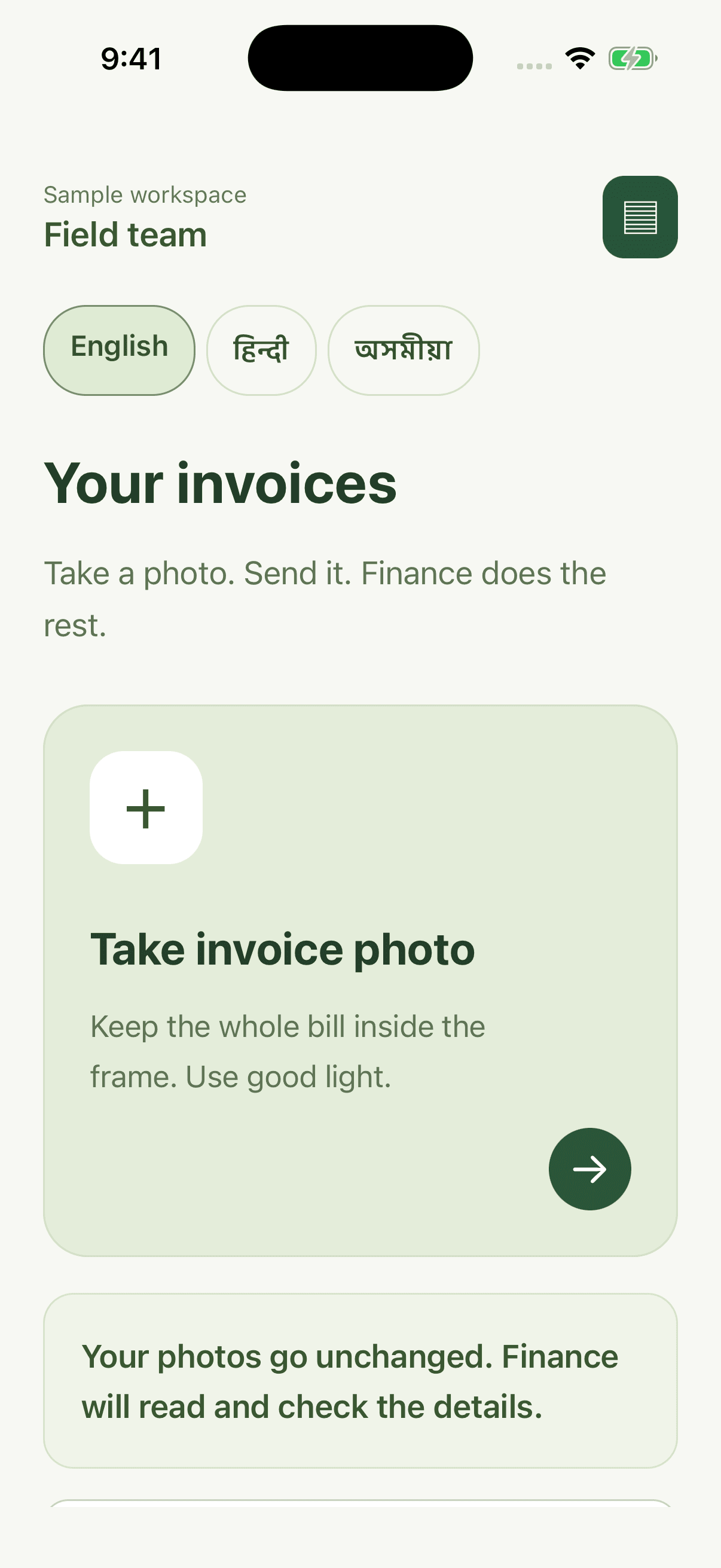
GrepEye Invo worker home with invoice capture and English, Hindi, and Assamese language choices in a sample workspace
Invo on iOS · Sample workspace, no client invoice data

Capture at the source.

Keep the original photo. Let finance handle the accounts.

What is GrepEye Invo?

Invoice management software for finance teams in India

GrepEye Invo is an invoice management module with iOS and Android apps for staff and a web dashboard for finance. Staff collect invoice photos, finance reviews the extracted details and approvals, and approved entries reach Tally or a chosen ERP through a connection configured for the business.

Who it is for

Finance, procurement, and business owners collecting purchase bills across branches, warehouses, offices, and field locations.

Where it fits

Use Invo for invoice collection, checking, business assignment, and approval. Accounting mappings and document types are agreed during setup. English, Hindi, and Assamese support teams working in different languages.

Why Invo

Less chasing bills. More control over the books.

A purchase can happen at a branch, a warehouse, or in the field. Invo gives every invoice the same route to finance, with clear responsibility at each step.

01

Collect every bill

Photograph invoices, add extra pages, and keep submissions during connection gaps. Staff can follow their status when they reconnect.

02

Prepare the details

Printed and handwritten bills are read into your finance fields. Supplier details, dates, amounts, and item lists are prepared for a person to check.

03

Approve with context

Review the photo beside its details. Possible duplicates, missing information, and totals that do not match draw attention before approval.

04

Reach the right accounts

Assign each invoice to the right business. Send approved entries to Tally or a chosen ERP through a connection configured for that business.

The working rhythm

Five steps. One connected invoice trail.

01

GrepEye Invo / 1 of 5

Capture

Staff photograph the invoice, add pages, and submit. The original photo stays unchanged.

CaptureReadCheckApproveConnect
Two workspaces

A simple capture task.
A considered finance decision.

For the person making the purchase

Capture, check the photo, and send. Staff see their own submissions and requests from finance. They cannot change submitted photos, rewrite extracted amounts, or approve invoices.

iOS & Android · English, Hindi, Assamese

For the people keeping the books

Finance works from a shared queue, with the original beside its details. Corrections carry a reason, approval remains a separate decision, and the history shows how each entry was handled.

Web dashboard · Access scoped by business

What’s inside

The operating areas inside Invo.

01

Mobile collection

Invoice photos, extra pages, offline capture, and submission status.

02

Document reading

Invoice details and item lists, with unclear information left for review.

03

Business assignment

Supplier and purchase rules route entries, with finance able to correct the destination.

04

Finance review

Originals beside details. Correct, approve, reject, or ask for another photo.

05

Quality checks

Possible duplicates, missing information, tax details, and totals that need attention.

06

Approval controls

Named responsibilities and a second check above agreed purchase limits.

07

Business setup

Fields, suppliers, access, and approval rules configured for each business.

08

Connected accounts

Approved entries sent to Tally or your chosen ERP through a configured connection.

09

Activity history

People, corrections, and decisions remain connected to the original invoice.
Designed for businesses across India

Your businesses. Your approval rules.

Run a consistent invoice process across offices, branches, warehouses, and field locations. Each business gets the fields, responsibilities, and approval rules it needs in a workspace branded for your organisation.

  • English, Hindi, and Assamese on mobile and web
  • Finance access scoped to the businesses each team manages
  • Document types and accounting requirements agreed during setup
Before the walkthrough

A few practical answers.

Can staff capture invoices without internet?

Yes. Staff can capture bills during connection gaps and follow their submission status when they reconnect.

Can workers change extracted amounts or approve invoices?

No. Workers capture and submit photos and see their own submissions and finance requests. They cannot rewrite extracted amounts, change submitted photos, or approve invoices. Finance handles corrections and approvals separately.

Does Invo connect to Tally?

Approved entries can flow to Tally or another chosen ERP. The connection is configured for each business’s companies, accounts, document types, and requirements during setup.

What happens when a bill is unclear?

Unclear or missing information needs human review. Finance checks it against the original, corrects an entry with a reason, or requests a clearer image before approval.

Connect your bills to your books.

Walk through invoice collection, finance review, and the accounting connection your business needs.

GrepEye Invo guides

Invoice management. Explained.

Buying criteria, workflow checklists, and worked examples for the questions your team needs to answer.

Free tools and checklists
The GrepEye modules

Different operations.
One GrepEye family.

Plan your supply chain, bring invoices into your accounts, or keep every dealership in view. Start with the module your team needs.

Demand planningForecast

Illustrative planning view

Planning & inventory

GrepEye Supply Chain

Forecast demand, align supply, and publish an agreed plan to your ERP.

Explore Supply Chain
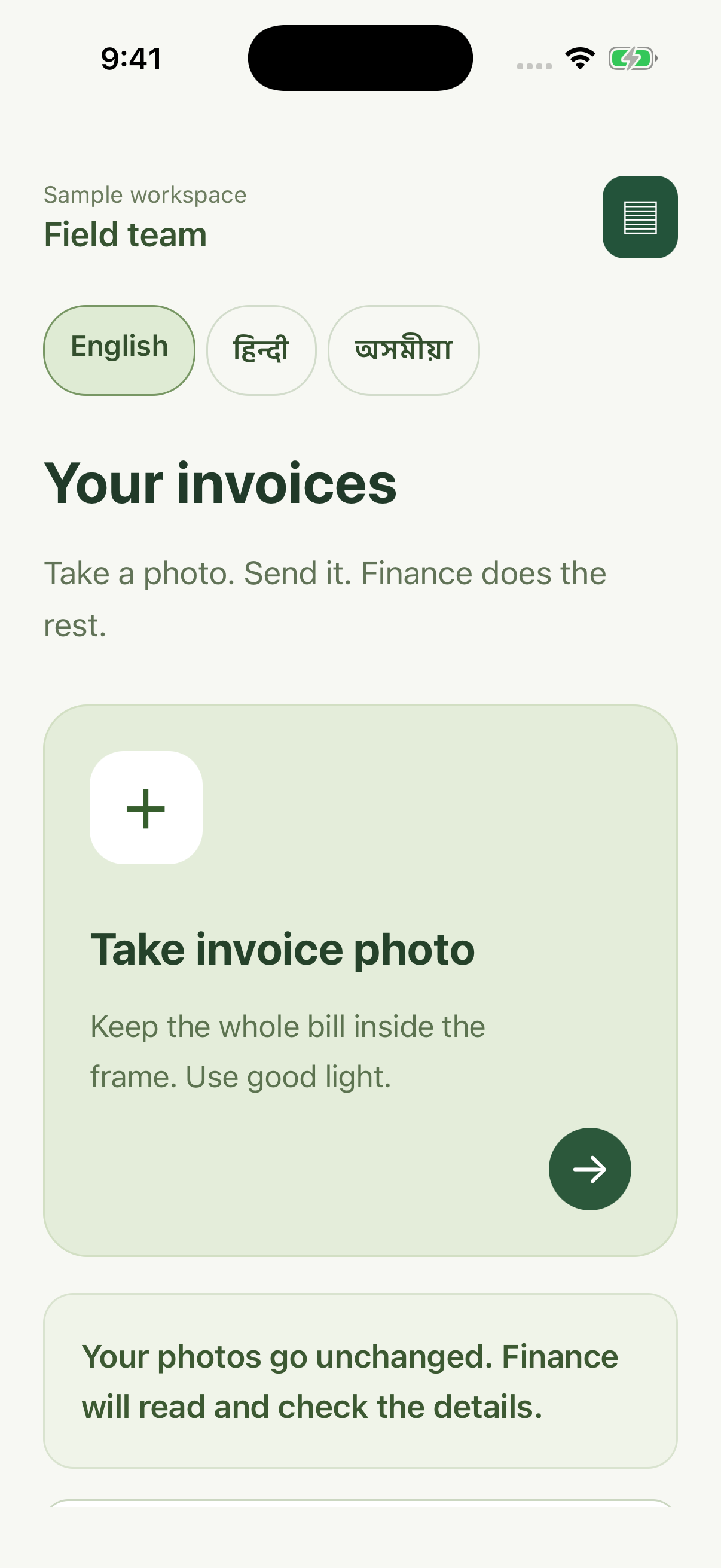
Invo invoice capture on iOS

Invoice management

GrepEye Invo

Collect bills at the source. Give finance a clear path from photo to approved entry.

Explore this module
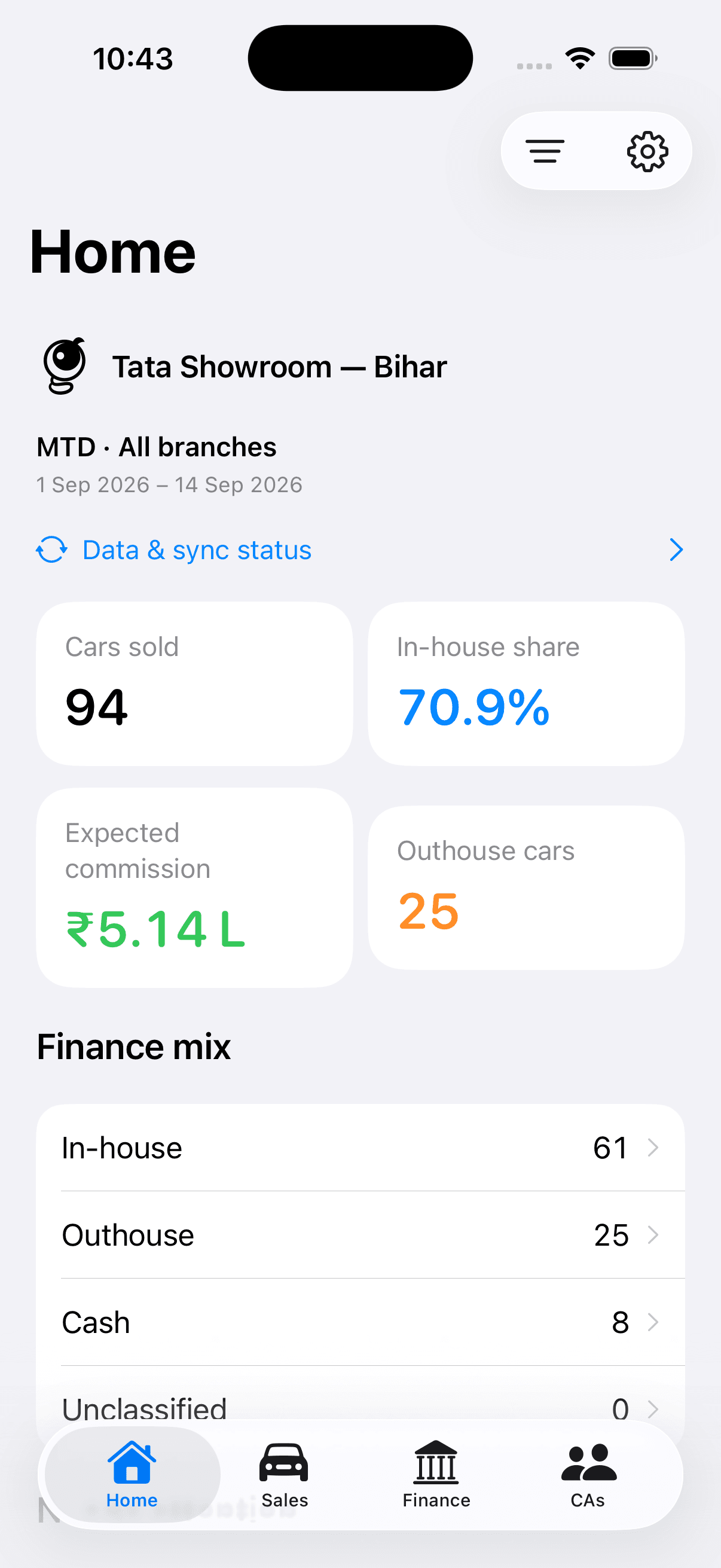
DealerPulse dealership overview on iOS

Dealership intelligence

GrepEye DealerPulse

See sales, finance, teams, and operations across every outlet from your phone.

Explore DealerPulse