What is invoice management software?
Invoice management software coordinates the work between receiving a document and handing an approved record to accounting. It can help teams collect invoices consistently, extract fields, review mistakes, assign approval responsibility, and track what needs attention.
That is different from simply creating an invoice to send to a customer. Before comparing products, decide whether you need incoming-document processing, outgoing billing, accounting, or a combination. A strong fit for one workflow does not automatically cover the others.
Which capabilities matter for distributed teams?
| Workflow stage | What to ask | Why it matters |
|---|---|---|
| Capture | Can staff photograph invoices on their phones? | Reduces the need to wait for a desktop |
| Connectivity | What happens when a location is offline? | Makes submission status important |
| Review | Who checks extracted fields against the image? | Keeps OCR errors from becoming approved records |
| Approval | Can responsibility vary by amount or business? | Matches the organization’s actual authority |
| Handoff | Which Tally or ERP setup is supported? | Prevents a vague integration promise |
| Language | Which staff interfaces are available? | Helps the people submitting the documents |
Bring ordinary, difficult, and incomplete invoices to a demonstration. Do not test only a clean digital PDF. Photograph a multi-page document, a faded receipt, and a document with a similar number to one already submitted. Ask the vendor to show the exception process.
What does the GrepEye Invo workflow look like?
GrepEye Invo gives staff a mobile capture workflow on iOS and Android, including offline capture. Original invoice photos are preserved. Finance reviews the document on the web, checks OCR-extracted fields, corrects details where needed, and approves the record. Higher-value invoices can require a second approval, with business routing configured for the organization.
Staff do not edit extracted invoice values or approve their own submissions in this workflow. Invo supports English, Hindi, and Assamese. A configured Tally or ERP connection forms the downstream handoff; confirm your exact requirements during setup.
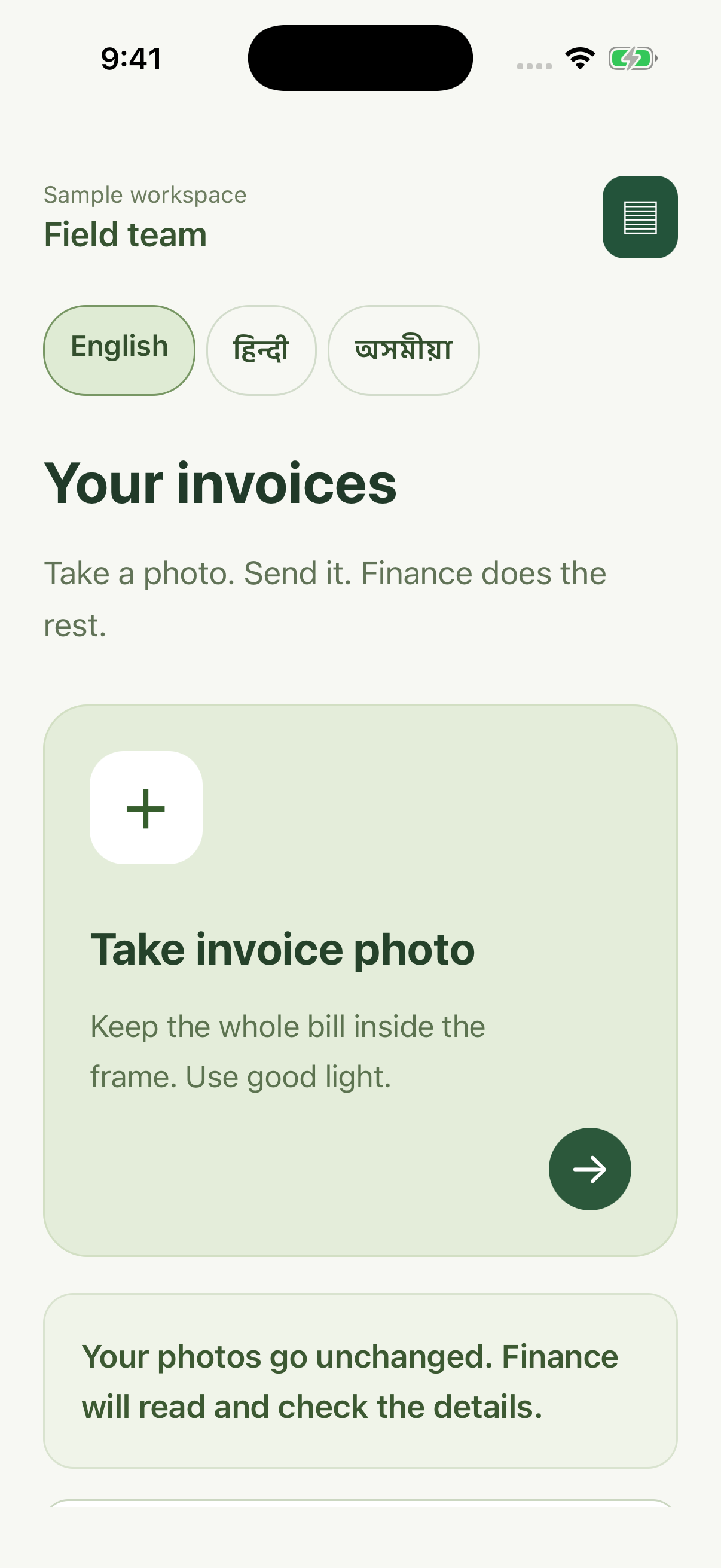
The supplied Invo screen uses sample data. It illustrates the staff capture interface; it does not prove the state of a particular customer’s accounting system.
How do you measure a useful pilot?
Take a defined batch and record how many documents were submitted, how many needed correction, how long items waited for review, and how many approved records reconciled with accounting. Keep the starting point so you can compare the pilot fairly. These are suggested evaluation measures, not guaranteed savings.
Include the people who will submit documents and the people who will clear exceptions. A workflow that makes capture easy but leaves finance with an unowned queue is incomplete.
Does this replace accounting software?
Evaluate Invo as a capture, review, and approval workflow with a configured accounting connection. Do not assume it replaces your ledger, statutory reporting, or every ERP feature. Use the Tally integration checklist to define the boundary.
For the next decision, read OCR versus approval automation or multi-company invoice approvals. You can also download a finance workflow checklist for your team’s evaluation.